
Microsoft Teams Ticketing System & Workflow Automation
Manage internal requests, tickets and approval workflows directly in the workspace your team already uses. FlowDocs helps teams replace scattered emails, chats and manual follow-ups with structured, no-code workflows.
IT support • HR requests • Finance approvals • Purchase requests • Employee onboarding • Internal operations
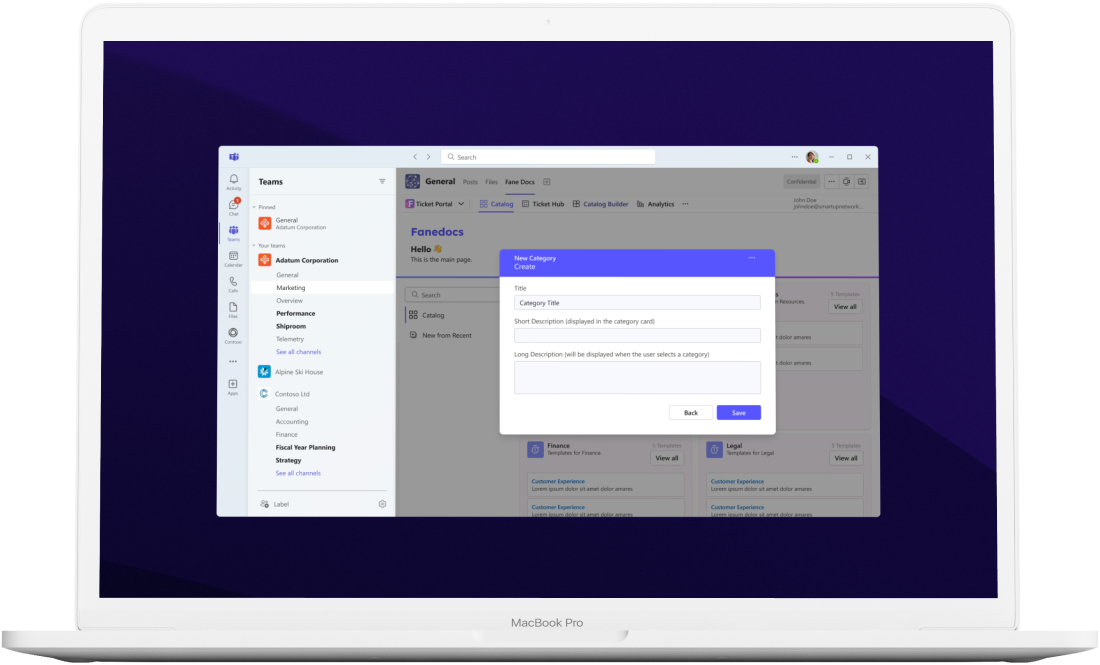
A Smarter Way to Manage Internal Requests and Workflows
FlowDocs is an internal ticketing and workflow automation platform built for teams already working in this environment. Create structured request forms, route work to the right people, manage approvals and track progress without forcing employees to leave the tools they already use.
your team environment WORKFLOW AUTOMATION
Everything You Need to Manage Internal Requests
No-Code Workflow Builder
Build internal request and approval workflows without coding. Configure forms, routing and process steps around the way your team already works.
Native familiar team experience
Keep employees and teams in the workspace your team already uses while requests, tickets and workflow updates are managed through FlowDocs.
Customizable Internal Ticketing
Create ticket and request processes for IT, HR, Finance, Operations and other internal teams, with workflows tailored to your organization’s requirements.
Request Tracking and Collaboration
Give request owners and teams a structured way to follow work, collaborate and keep track of progress instead of relying on scattered conversations.
Security and Access Controls
Keep internal workflows organized with the security and access controls provided by the FlowDocs platform and your existing team environment.
Workflow Analytics and Reporting
Use workflow analytics and reporting to understand request activity, monitor processes and identify opportunities to improve internal operations.
Turn Internal Requests Into Structured Workflows
Bring business requests, approvals and ticketing into your existing workspace, where your employees already work. Replace scattered emails and chat messages with clear processes that can be standardized, repeated and scaled across teams.
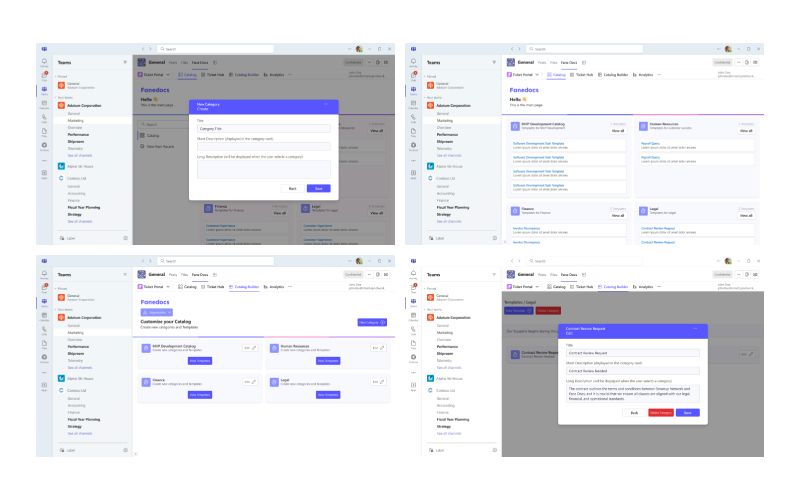
Standardize Internal Workflows in your familiar work environment
FlowDocs gives teams a no-code way to turn recurring requests and approval processes into structured workflows. Standardize how work is submitted, routed and tracked while keeping collaboration inside your existing workspace.
One Place for Internal Requests and Tickets
- Centralized requests and tickets
- Custom forms and workflow templates
- Request and task tracking
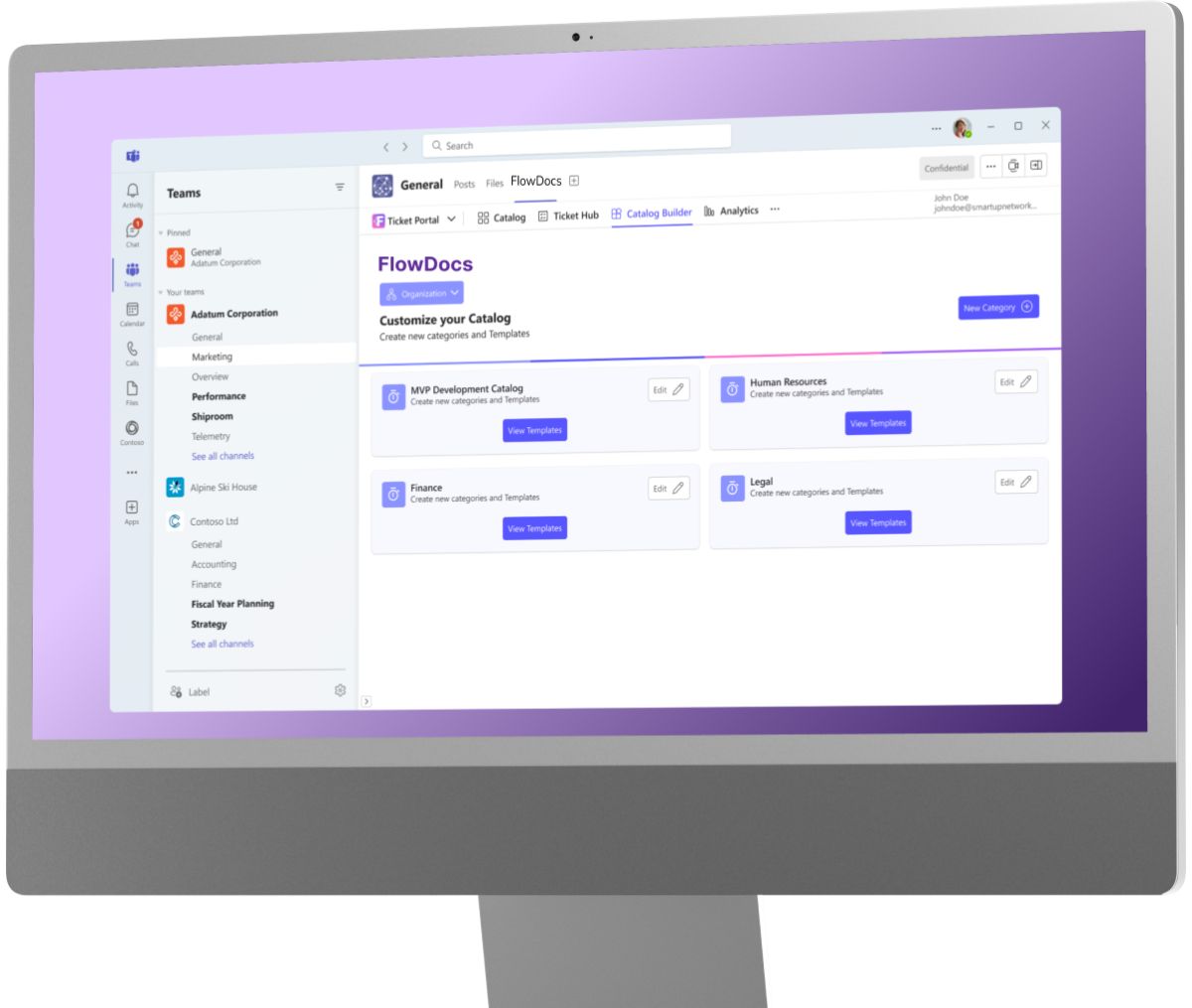
HOW IT WORKS
Build Internal Workflows in the same workspace
1
Connect your team environment
Connect FlowDocs with the tools your team already uses so employees can access your internal request and ticketing workflows where they already collaborate.
2
Design Your Request or Approval Workflow
Configure forms, routing and approval steps with a no-code workflow builder tailored to your team and business process.
3
Launch and Track Requests
Launch the workflow and give your team a structured way to submit, route, manage and track internal requests.
What Teams Say About FlowDocs
FlowDocs has transformed the way our team handles tasks. The integration with Teams has made communication seamless and efficient.
Thanks to FlowDocs, our workflow is more organized than ever. The automation features have saved us countless hours.
Implementing FlowDocs was a game changer for us. It has simplified our processes and increased our team’s productivity.